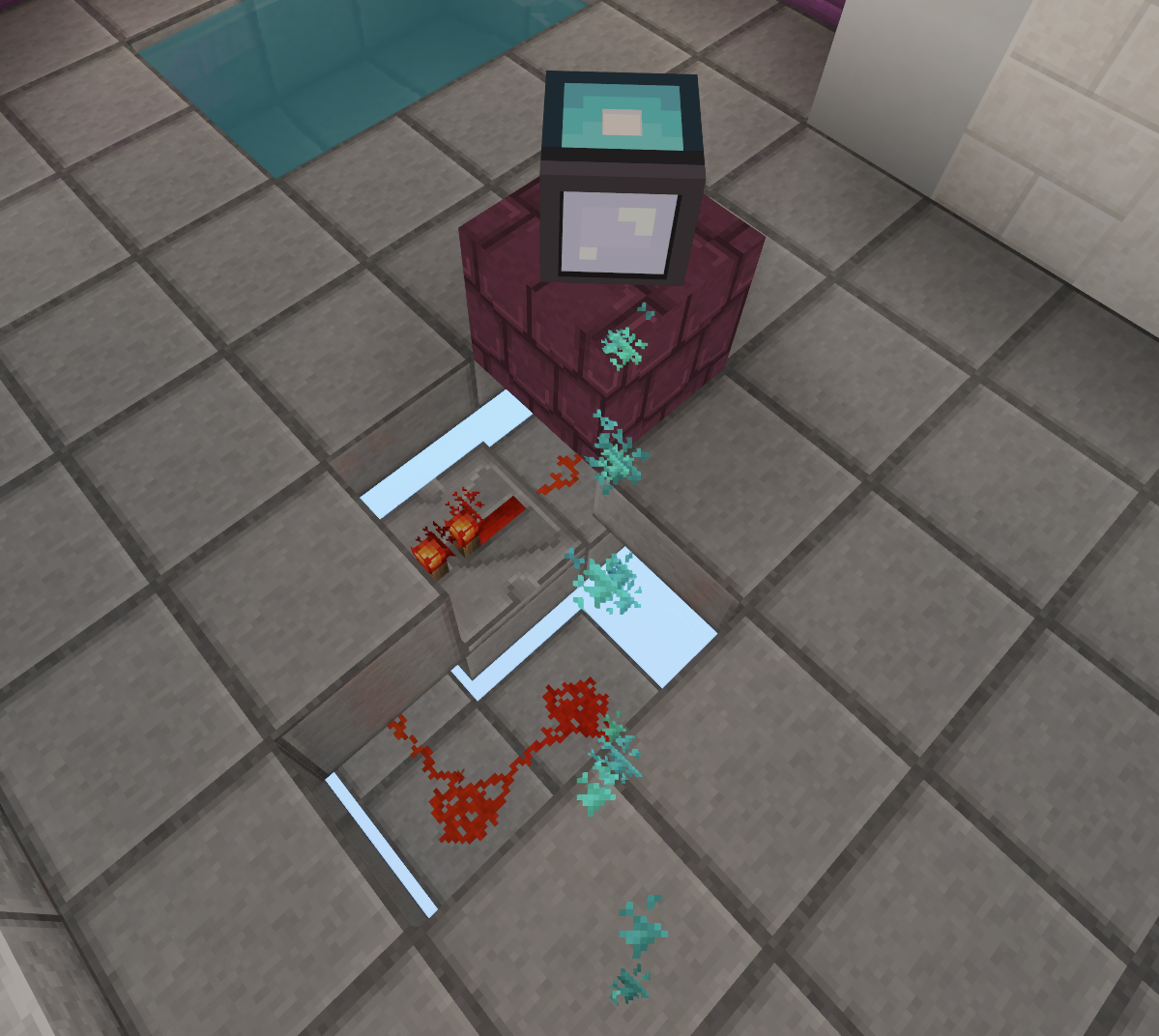
Laser receiver
Animated illustration of the Concentrator in action.
Introduction
The Laser receiver will have to be powered by a laser to be activated (which will produce a redstone signal).
The Laser receiver can be color-specific, which means it will only activate when a specific color of laser flows into it. It can be rotated in 3D as well.
How to place a Laser receiver
- Open Lasers-Enigma main shortcut bar by typing the
/laserscommand. - Aim for the block on which you want to place the component. This can be on the floor, ceiling, or wall. Then right-click with the "place component" button in hand.
- Select the laser receiver
- Select which color you want the received laser to have for this receiver to be activated.
- Now that the component is placed, the Laser Receiver edition shortcut bar will open and you will be able to edit the component.
How to edit a Laser receiver
If the Laser Receiver edition shortcut bar is not open already, simply right-click on the laser receiver to open it.
Via Shortcut Bar
From the Laser Receiver edition shortcut bar you have several possibilities:
- You can rotate the laser receiver at 27.5° to the left, right, top, or bottom. It will change which way the laser will go.
- You can change the color of the laser. It will cycle through every color: Red / Green / Blue / Yellow / Pink / Cyan / White.
- You can change the laser receiver color mod. It will determine if a specific color is required or if it will be activated with any laser color.
- You can also open the Component configuration to have more possibilities.
Via Component Configuration menu
In the component configuration menu, you will have access to what we summed up before, and 2 other features:
- The light level, where you can change the brightness emitted by this laser receiver through 16 levels, where 1 is the darkest and 16 is the brightest.
Via Area Configuration
From the Lasers-Enigma main shortcut bar, if you are inside a puzzle area, you can open the Area configuration.
In the Area configuration, you can set the area's default for whether players may turn the laser receiver horizontally or vertically. This is the default every laser receiver in the area follows unless it decides for itself — an individual laser receiver can override its area. See Component edit rights.
State saving
Only admin actions will be saved once you leave the area of the enigma. If a player leaves an area where he modified a laser receiver, those changes will be reset.
Interactions
Player interaction
The player can turn the laser receiver horizontally or vertically. Whether they may is governed by the component edit rights: the area sets a default, and each laser receiver can override it.
Note: When a rotation button is selected in the shortcut bar, a curved arrow preview is displayed around the component to indicate the direction of the upcoming rotation. This preview adapts to the player's position relative to the component. The preview requires ProtocolLib and can be disabled via the
rotation_previewconfig option.
Redstone interaction
The Laser receiver will produce a Redstone signal when it is activated. This redstone signal will affect all blocks within 3 blocks of the receiver. You will have to use a redstone repeater just after the redstone wire to maintain the signal's power.
Other components interactions
The laser receiver can activate or deactivate other components. Indeed, the number of activated laser receiver in an area can be used as a Condition for other conditional components activation.
Laser interaction
A laser receiver is activated if it is hit by a laser under certain conditions:
-
First, the laser must hit the receiver's sensor. This is the front of the receiver. If, on the other hand, the laser hits the back or side of the receiver, this will have no effect.
-
Secondly, the color received must match the expected color. The receiver can be configured to wait for the color you want, or to accept any color. It's important to note that the receiver can assemble several colors. In fact, if it receives several lasers, it will add up the colors it receives. See the chapter on color addition on the Colors page for more details.
Known issues
See our issue board for more information.
Redstone propagation fails
See Issue #400
The redstone signal emitted by activated laser receivers may not propagate. This is usually the case when trying to make it go down. You will need a redstone repeater to force the signal propagation.
Issue example:
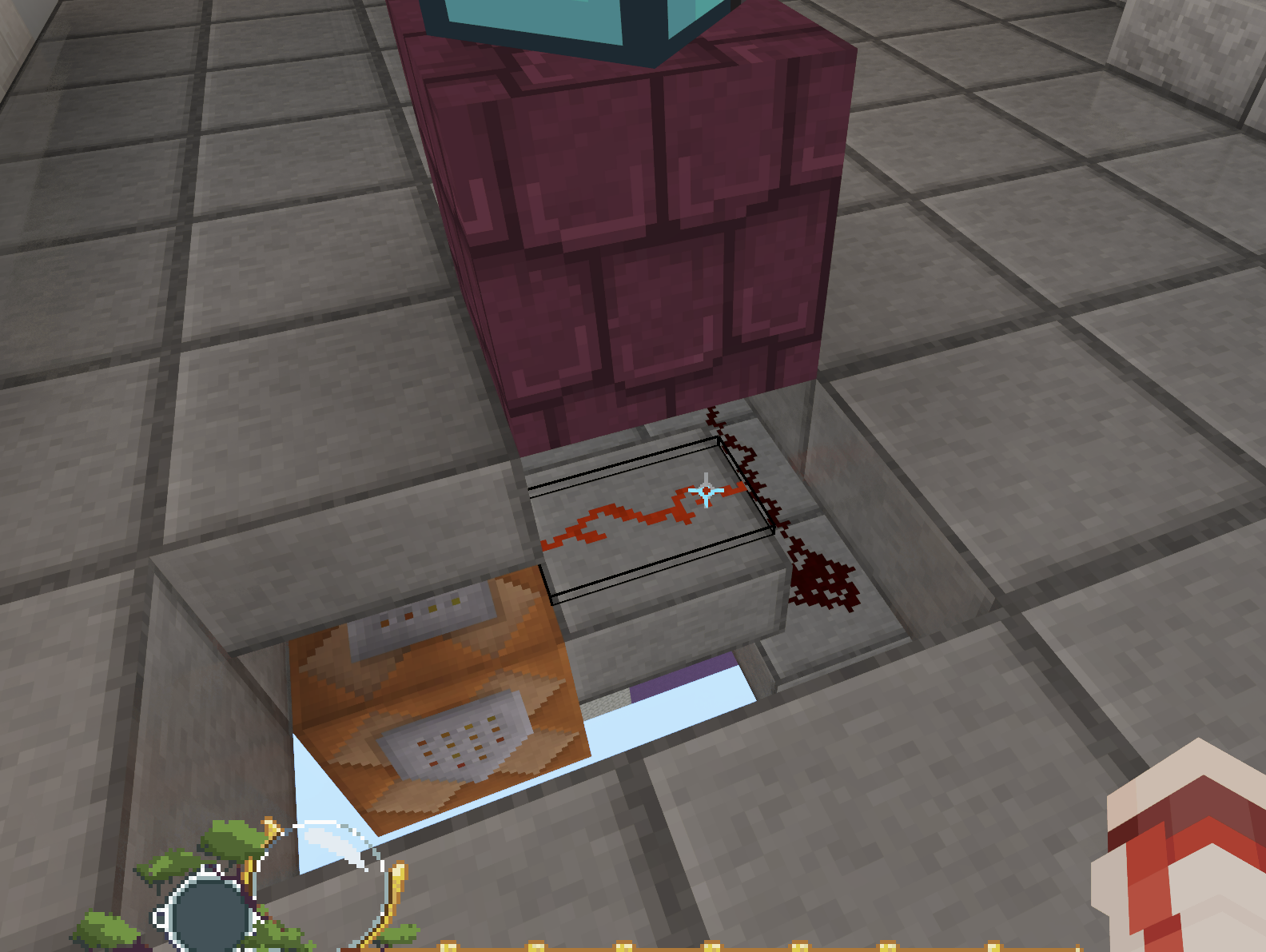
Workaround example: