Elevator and call button
Select 2 points to define the elevator cage. Jump to go up. Sneak to go down. Set up floors and define its activation conditions. You must make the area at least 1 block underneath the elevator floor. To setup the elevator, first create an elevator cage that is a minimum of 3 blocks tall and 3 blocks wide (3x3x3). Select the cage locations, then jump in the middle until you reach your desired floor. now click the create a new floor item to make your floor. You can now use the elevator to go up and down by jumping in the middle.
i reccomend you check out the tutorial for the elevator instead.
Automatic reset on activation
When the area containing the elevator activates — for example when a new player enters the puzzle, or when the server restarts after a crash — the elevator is automatically sent back to its ground floor and the cage contents are restored from a stored snapshot. This guarantees that puzzles always start from a clean state and that a server crash mid-movement cannot leave the shaft in a broken condition.
The snapshot is captured automatically the first time the elevator is activated after creation. Attached blocks such as redstone torches, redstone wire, levers and signs are preserved across moves as long as WorldEdit (or FAWE) is installed on the server.
Refreshing the cage snapshot
If you redecorate the inside of the cage after it was first saved (adding or removing blocks), you can refresh the stored snapshot with:
/le component elevator resnapshot <x> <y> <z>
The elevator must be at the ground floor when you run the command. This permission requires lasers.edit.
Call button activation
A Call Button can be triggered in two equivalent ways:
- Right-click the button — the standard interaction.
- Apply a redstone signal to the block where the call button sits. The button reacts on the rising edge of the signal (transition from unpowered to powered), so each pulse from a lever, button, redstone wire, repeater, observer, or pressure plate calls the elevator exactly once. A continuous power source still triggers the call only once per power-on transition, behaving like a vanilla button press.
The Call Button does not have a configurable detection mode — redstone activation is always available alongside the right-click interaction.
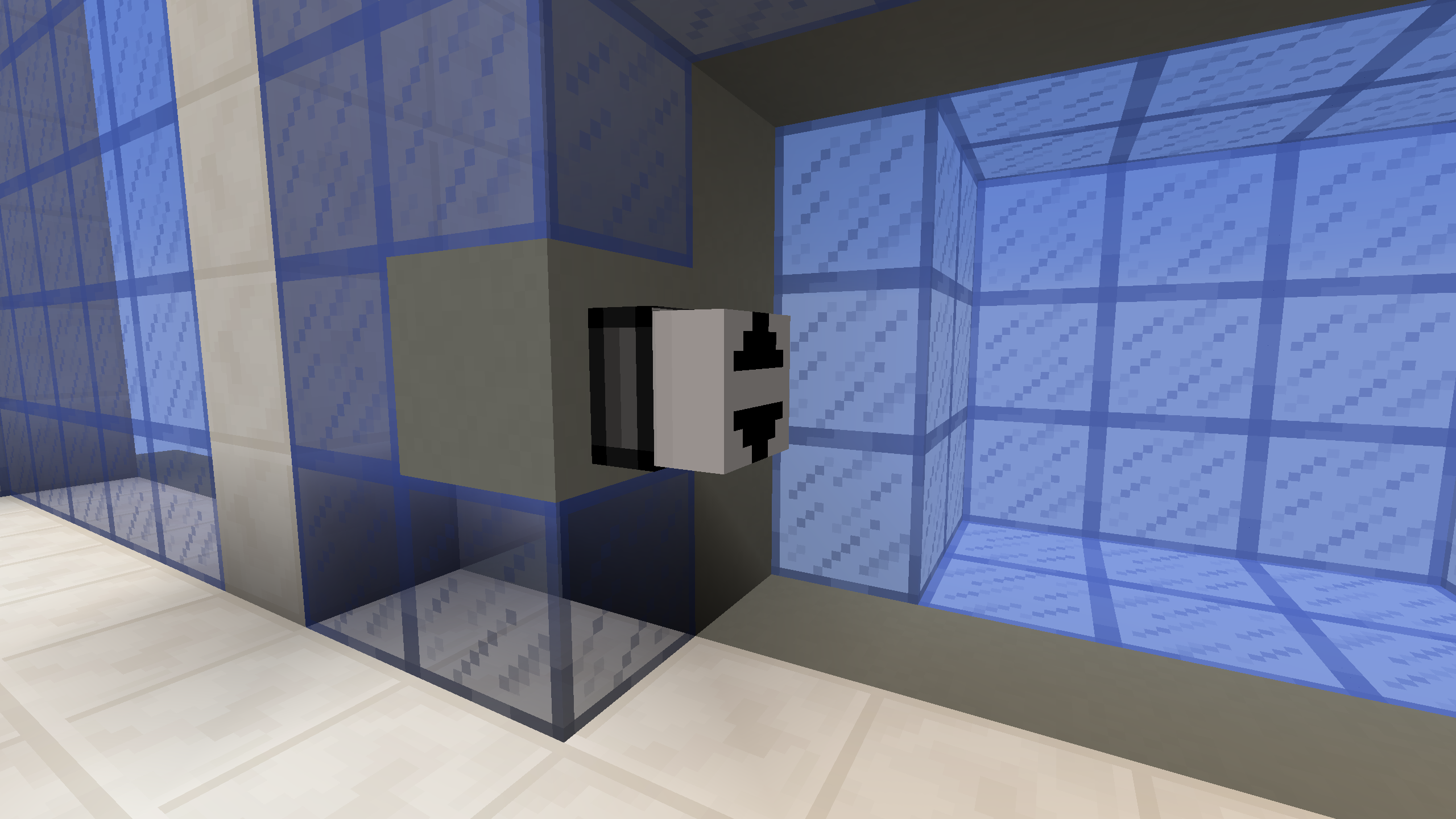
Blocking the elevator with a piston
You can prevent the elevator from going up or down by using a piston to push a block into the path the cage would travel through. This can be used as a puzzle mechanic to gate the elevator's vertical movement.
Be careful, however: never push a block that belongs to the elevator cage itself. If you do, the cage block is actually pushed away, which can corrupt the level: the block ends up further out, potentially outside the area that is automatically restored when the Area resets, so the reset can no longer bring it back. As a consequence, the piston's activation/deactivation condition must not be able to change state while the elevator is moving. It is up to the game designer to design the puzzle so that this situation cannot occur.